Studio 3T is a mature, paid MongoDB IDE with deep SQL, import and migration tooling. DB Connect is a free native client that queries MongoDB with SQL or mongosh syntax — next to your other databases.

| Feature | DB Connect | Studio 3T |
|---|---|---|
| Price | Free | Paid per-user subscription; limited free edition |
| Platforms | macOS (universal), Windows x64 | Windows, macOS, Linux |
| Engines | MongoDB, MySQL/MariaDB, PostgreSQL, Redshift, DynamoDB, Redis, Elasticsearch/OpenSearch | MongoDB |
| SQL queries on MongoDB | Yes — SELECT, WHERE, GROUP BY + aggregates, INSERT/UPDATE/DELETE | Yes — SQL Query |
| Shell | mongosh-style queries | IntelliShell with autocompletion |
| Aggregation editor | Pipeline builder | Aggregation Editor |
| Drag-and-drop visual query builder | Not built in | Yes |
| Import / export | Yes | Wizards for many formats |
| SQL ↔ MongoDB migration | No | Yes (some editions) |
| Data compare and sync | Cross-connection result compare | Yes (some editions) |
| Query code generation | No | Yes |
| Explain, indexes, users and roles | Yes | Yes |
| Production confirmation gates, read-only connections | Yes | — |
Studio 3T editions and pricing as of 2026 — which features are in the free edition changes, so check studio3t.com. A dash means we did not verify it.
IntelliShell with autocompletion, a drag-and-drop visual query builder and a stage-by-stage Aggregation Editor — years of MongoDB-only polish.
Wizards for many formats, and migration between SQL databases and MongoDB in some editions. DB Connect has import/export but no migration tooling.
Data compare and sync between collections and Query Code that generates driver code in several languages (edition-dependent).
Runs on Linux, and paid editions come with vendor support. DB Connect is macOS and Windows only, maintained by one developer.
No subscription and no feature tiers — everything is in the free app, for personal and commercial use.
SELECT, WHERE, ORDER BY, LIMIT, GROUP BY with aggregates, INSERT/UPDATE/DELETE — translated to find and aggregate, in the same editor you use for MySQL or PostgreSQL. mongosh-style syntax works too.
Document editor, index manager, explain, pipeline builder, import/export, users and roles, and change streams.
Read-only connections refuse writes and production-tagged connections confirm destructive operations, including shell writes like deleteMany.
MySQL/MariaDB, PostgreSQL, Redshift, DynamoDB, Redis and Elasticsearch/OpenSearch in the same window — plus an optional Claude assistant and a local MCP server.
A ~35 MB native app (Go + Wails), not Electron. No account, no telemetry; credentials are AES-256-GCM encrypted with the key in your OS keychain.
MongoDB is central to your job and you need migration between SQL and MongoDB, data compare and sync, code generation or a visual drag-and-drop builder — and per-seat pricing is fine for your team.
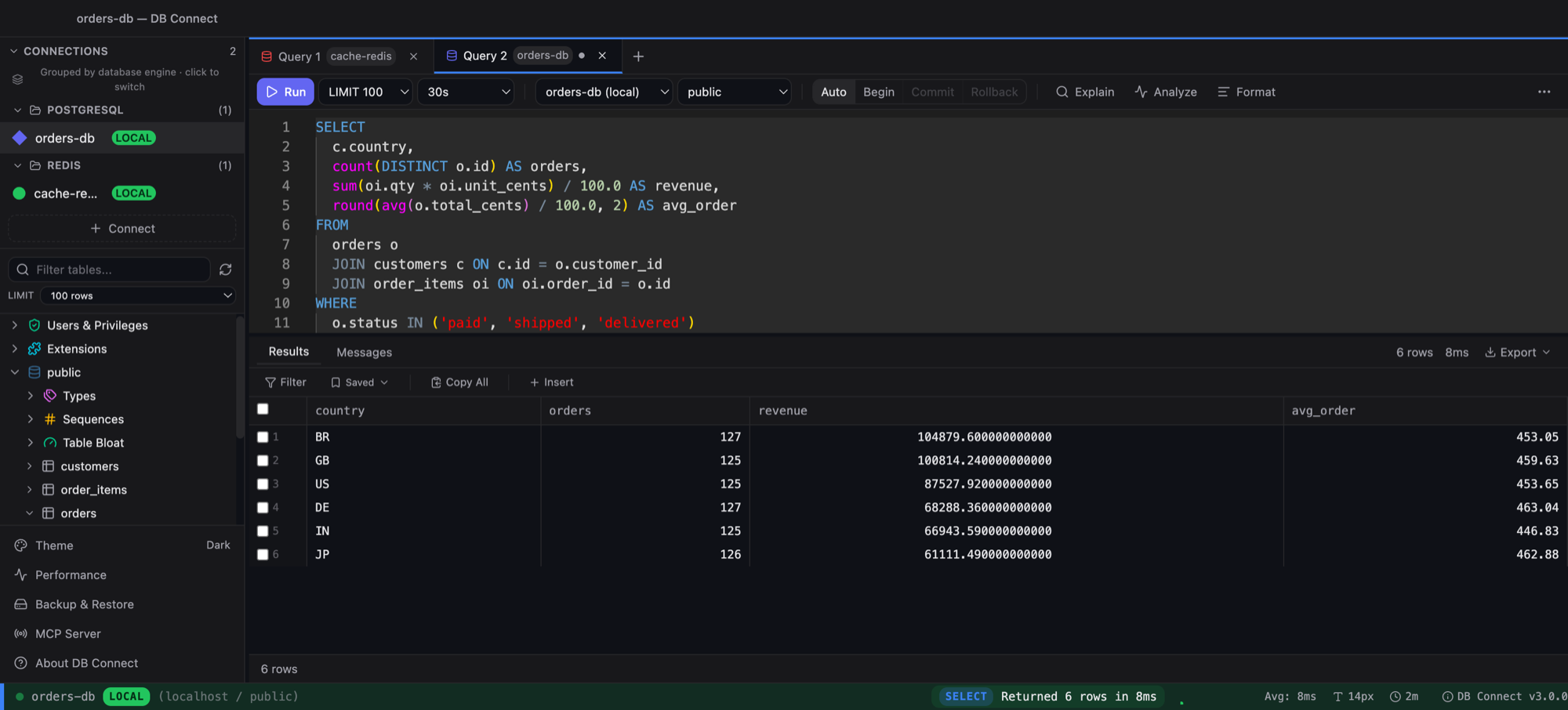
you want a free client to query and edit MongoDB with SQL or mongosh syntax, alongside the SQL databases, DynamoDB, Redis and Elasticsearch/OpenSearch you already use.
Also compare: DB Connect vs MongoDB Compass
Yes. DB Connect is free and queries MongoDB with SQL or mongosh syntax, with a document editor, pipeline builder, explain, index manager and import/export. MongoDB Compass is another free option from MongoDB itself.
As of 2026 Studio 3T has a free edition with a limited feature set; the full product is a paid per-user subscription. Check studio3t.com for which features each edition includes.
Yes. DB Connect translates SELECT (with WHERE, ORDER BY, LIMIT/OFFSET and GROUP BY with aggregates), INSERT, UPDATE and DELETE into MongoDB find and aggregate operations, at no cost.
It accepts mongosh-style queries such as db.orders.find({...}) with sort, skip and limit, lenient JSON, ObjectId() and ISODate(). It is not a full JavaScript shell, so scripts with loops or variables belong in mongosh or Studio 3T's IntelliShell.
No. DB Connect has import and export per collection but no SQL-to-MongoDB migration tooling. Studio 3T covers that in some editions.
Yes. Connect with your connection URI (or host and port) over TLS.
Free for personal and commercial use. No account required.
macOS 11.0 (Big Sur) or later
Intel & Apple Silicon
xattr -cr /Applications/DBConnect.app
Prefer Homebrew? brew install --cask shubhesh07/db-connect/db-connect