One tool for all your databases

Fast, free desktop IDE for MySQL, Redshift, and DynamoDB. Built for engineers who value speed over bloat.

v2.0.0 — Performance monitoring · smarter autocomplete · production safety. Free forever. No telemetry.
Install on macOS with Homebrew Recommended
brew install --cask shubhesh07/db-connect/db-connect
Click to select · paste into Terminal · Homebrew handles the macOS Gatekeeper unblock automatically. Upgrade later with brew upgrade --cask db-connect.
Don't use Homebrew? One-line installer
curl -fsSL https://github.com/shubhesh07/db-connect/releases/latest/download/install.sh | bash
Downloads, installs, and unblocks Gatekeeper for you — no xattr step needed.
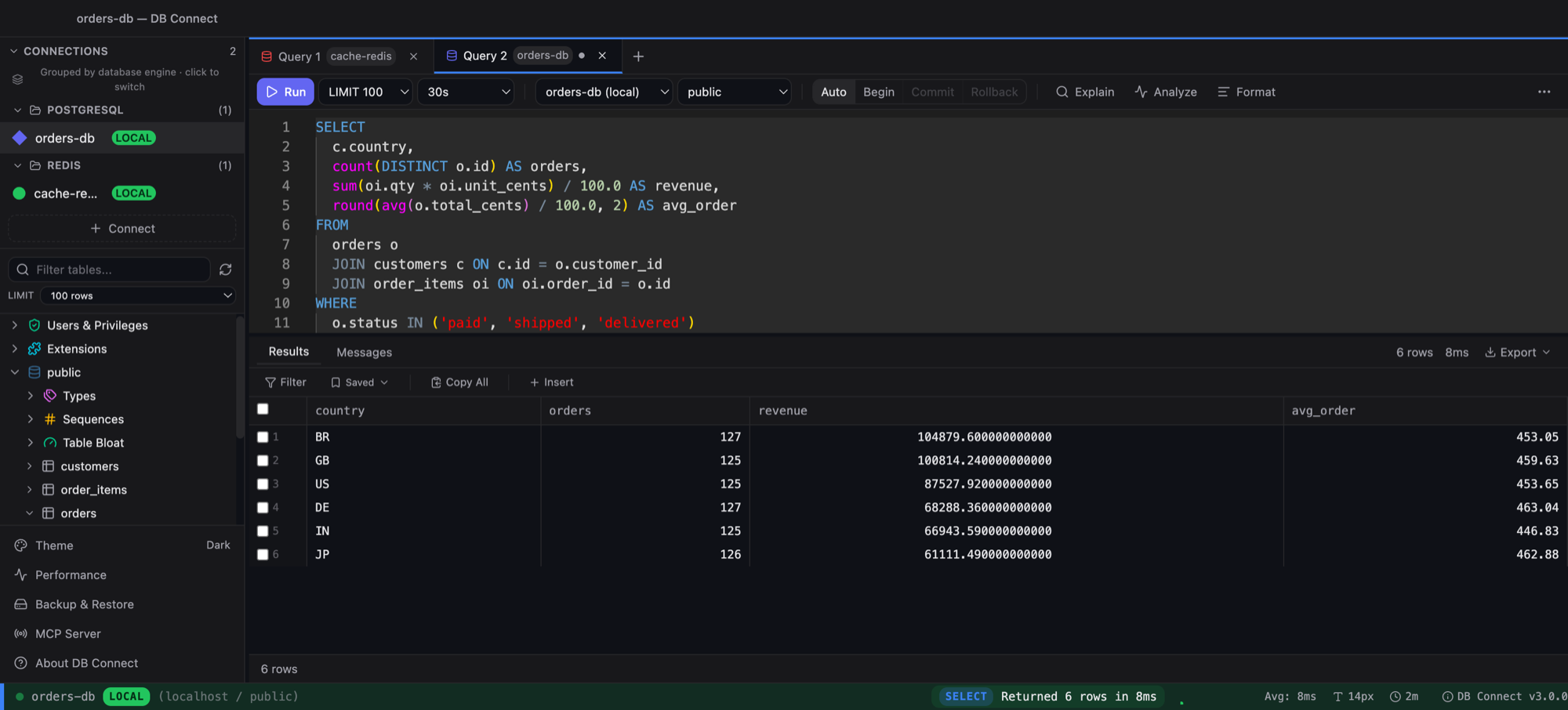
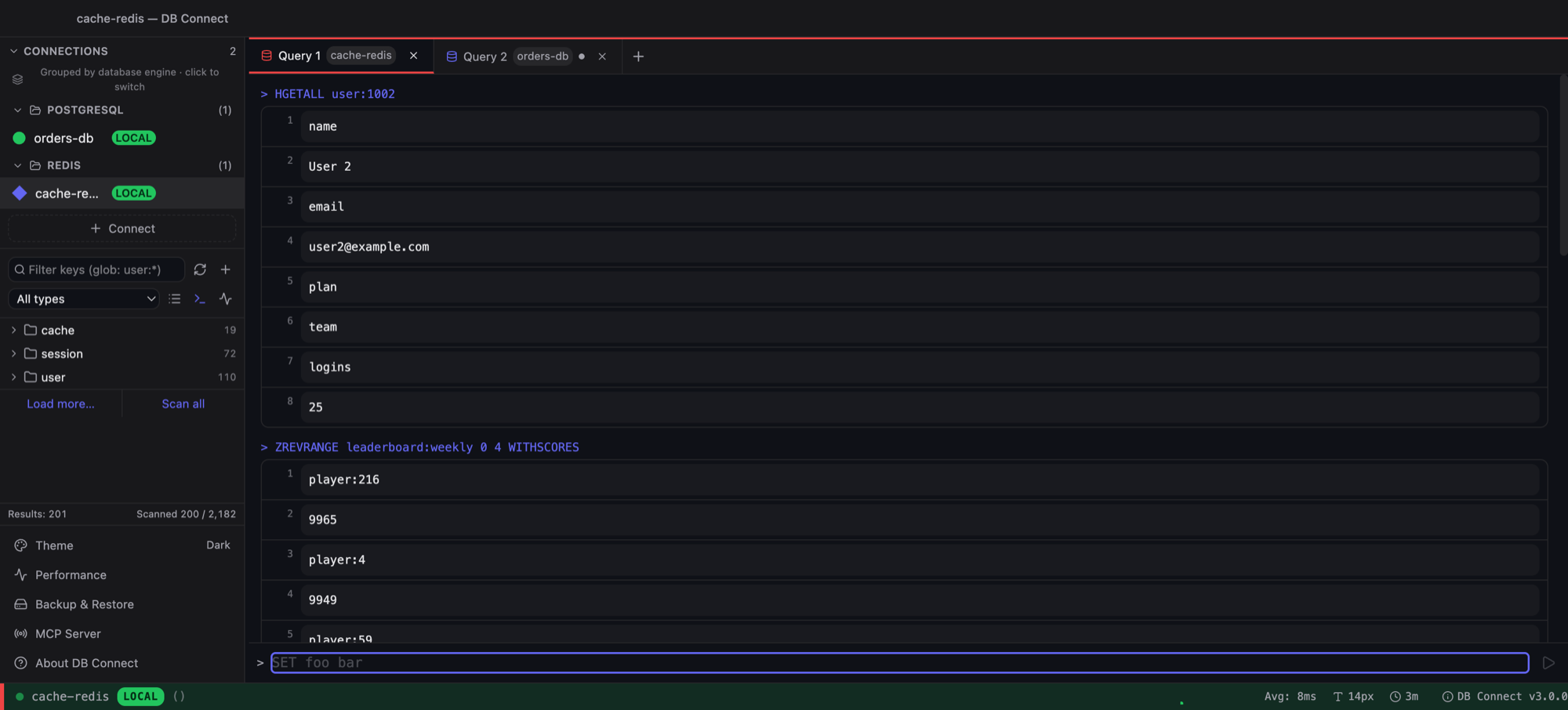
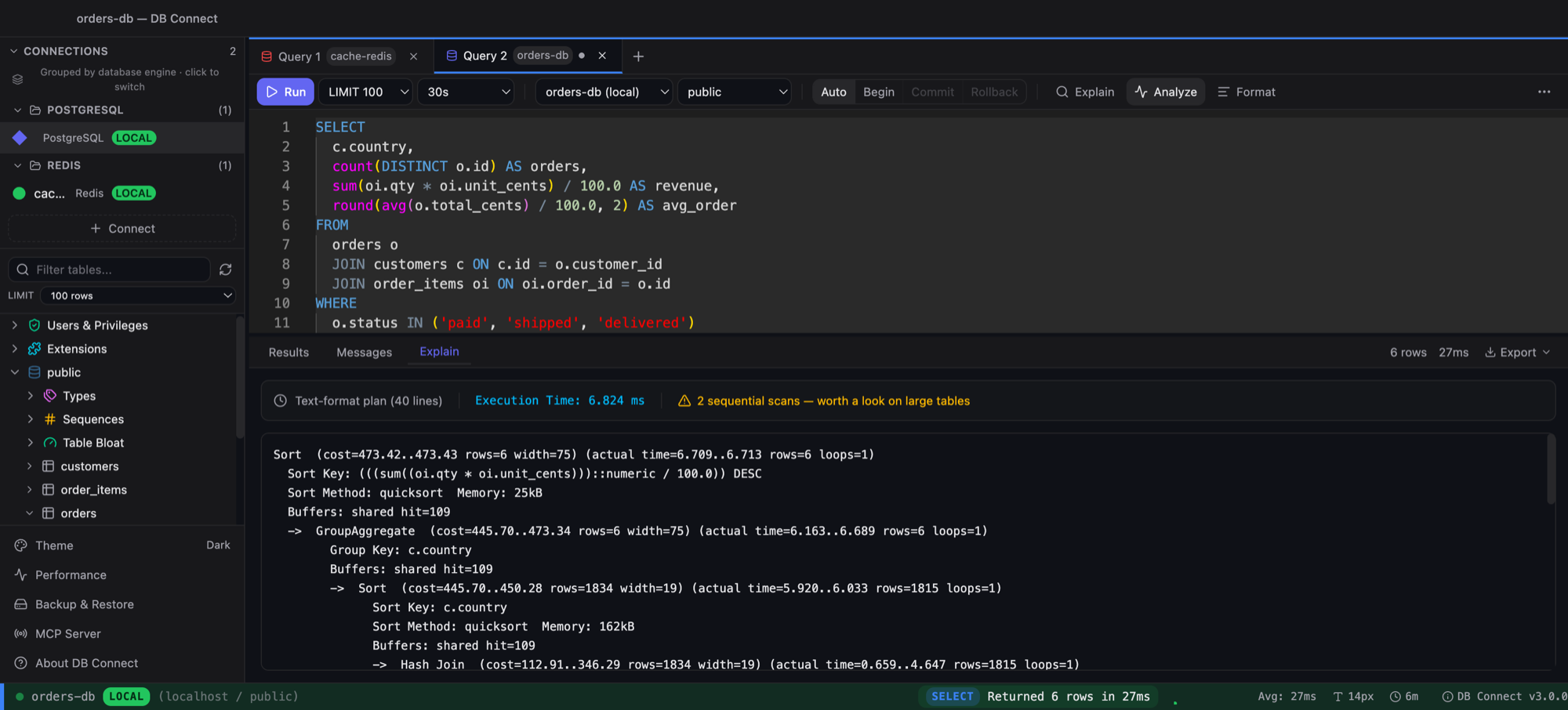
DB Connect - SQL Editor with Query Results

MySQL

Full SQL, transactions, SSH tunnels, table designer

Amazon Redshift

SQL queries, schema browser, EXPLAIN plans

DynamoDB

Visual scan/query builder, item editor, GSI support

Built for backend engineers

📊

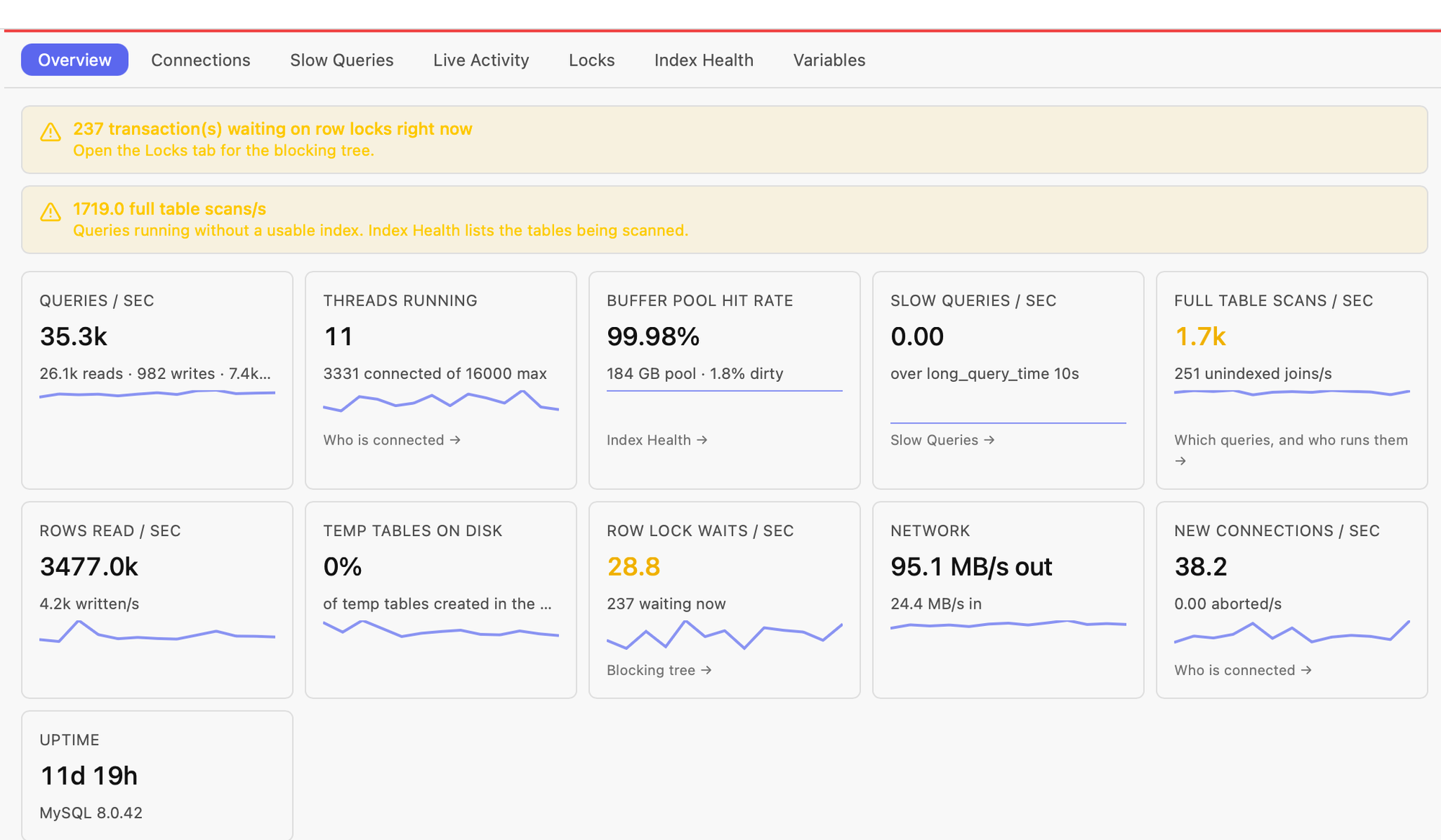
Performance Monitoring NEW in 2.0

Slow Queries, Live Activity (with one-click Kill), Locks (blocking tree, wait time), Index Health (unused, redundant, scan hot-spots). MySQL, Redshift, and DynamoDB — without CloudWatch.

🔍

Where the query is fired from NEW in 2.0

Drill into any slow-query digest to see the top user@host firing it plus recent raw samples with full SQL_TEXT — answers "which service is hammering this query" in one click.

Step-aware Autocomplete NEW in 2.0

Different completions for SELECT, FROM, WHERE, and after-column positions. `WHERE order_` now suggests columns from `order_details`, not random tables. MySQL keywords, functions, operators, cross-DB.

🛡

Production Safety NEW in 2.0

Tiered confirmation modal: DROP/TRUNCATE require typing the connection name; DELETE/UPDATE/ALTER show a statement preview. Server-side query cancel via KILL QUERY. Local audit trail.

Fast Startup

Opens in under 2 seconds. Native app, not Electron. Only 18MB installed.

📝

Monaco SQL Editor

VS Code-quality editing with autocomplete, syntax highlighting, multi-cursor, and SQL formatting.

🔒

Encrypted Credentials

AES-256-GCM encryption. Keys stored in OS keychain. No plaintext passwords on disk.

📊

EXPLAIN Visualization

Color-coded query plans for MySQL and Redshift. Spot slow queries at a glance.

📄

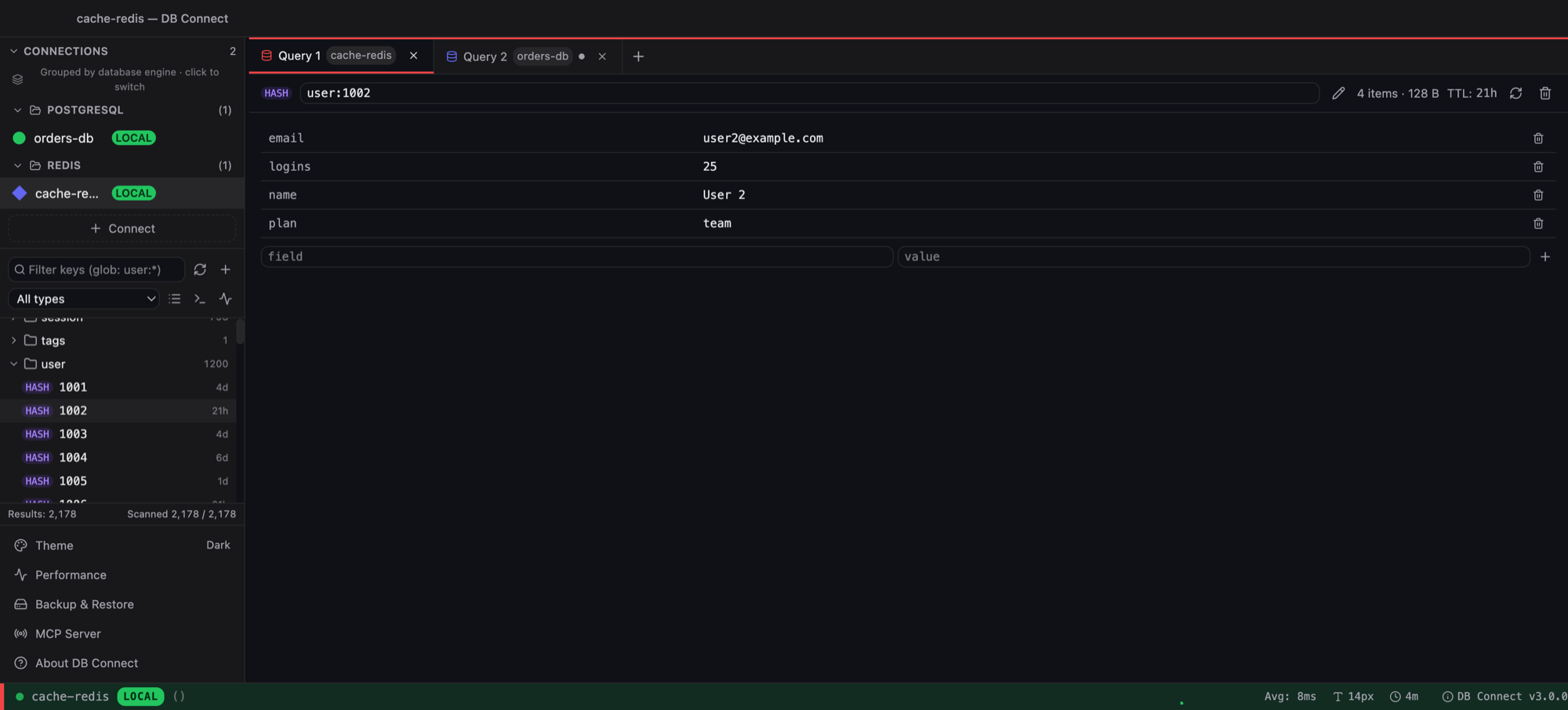
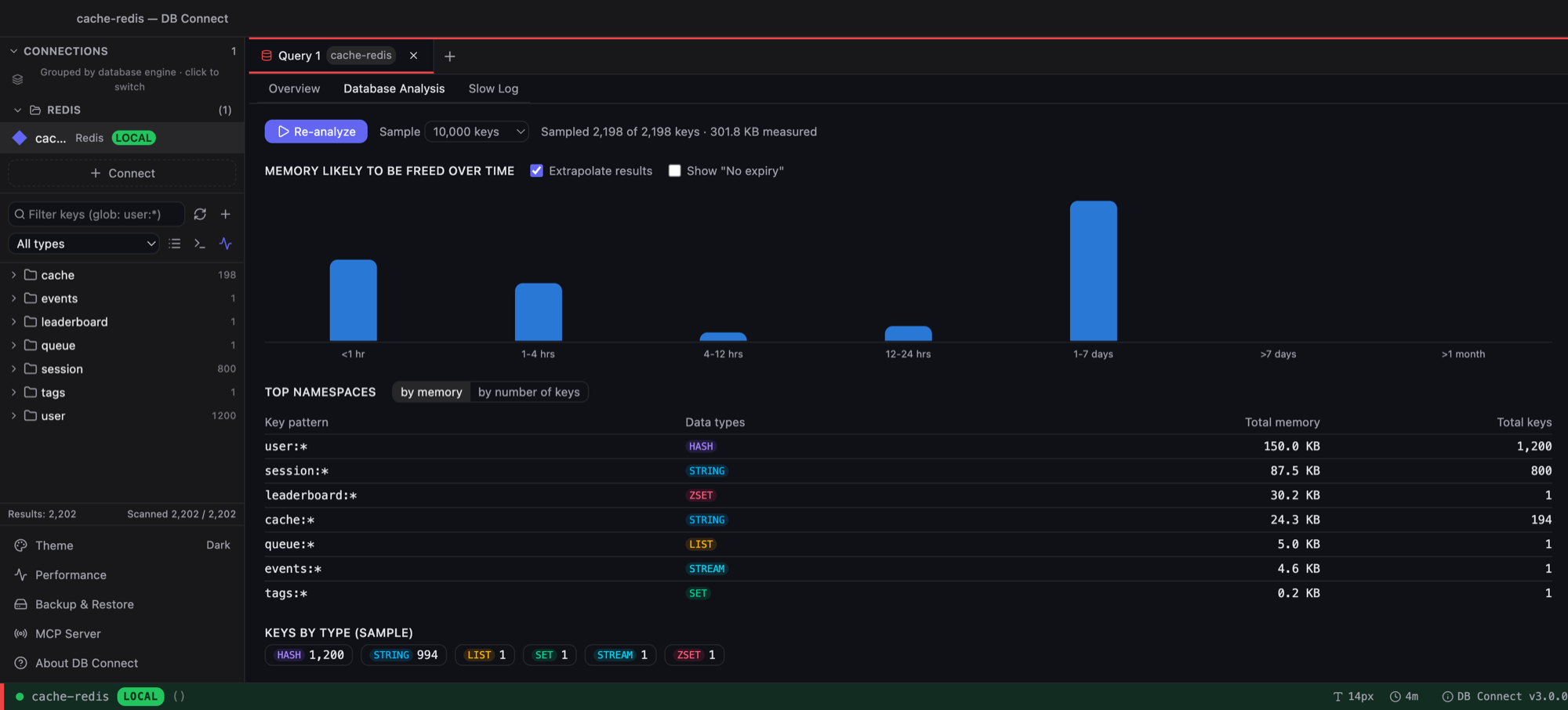
Multi-Tab & Multi-Connection

Work across multiple databases simultaneously. Each tab can connect to a different server.

🔍

Command Palette

Cmd+K to access any action instantly. Run queries, format SQL, switch connections.

💾

Query History & Saved Queries

Auto-saved history with search and favorites. Named queries with parameter support.

🔧

Table Designer

Visual CREATE and ALTER TABLE. Index manager. No need to write DDL by hand.

🌐

SSH Tunnels

Connect to databases behind firewalls. Built-in SSH tunnel with key auth support.

🔗

Cross-Schema Queries

Run JOINs and queries across multiple schemas in a single connection. Autocomplete resolves tables across schemas automatically.

💾

Backup & Restore

One-click logical backups of tables, schemas, or full databases — saved locally to your laptop. Restore into any connection without leaving the app.

How it compares

Feature DB Connect DataGrip DBeaver TablePlus
Price Free $25/mo Free* $89
DynamoDB Support Yes No No Yes
Redshift Support Yes Yes Yes Yes
Startup Time <2s 10-30s 5-15s <3s
App Size ~18MB ~800MB ~400MB ~80MB
SSH Tunnels Yes Yes Yes Yes
Built-in Performance Monitoring Slow queries, locks, index health, "where fired from" No Partial No
No Telemetry Yes No No No
Encrypted Credentials AES-256 Yes Yes Yes

Download DB Connect

Free for personal and commercial use. No account required.

macOS

macOS 11.0 (Big Sur) or later
Intel & Apple Silicon

Homebrew (recommended): brew install --cask shubhesh07/db-connect/db-connect
Upgrade later with brew upgrade --cask db-connect. Homebrew unblocks Gatekeeper for you.
No Homebrew? One-line installer: curl -fsSL https://github.com/shubhesh07/db-connect/releases/latest/download/install.sh | bash
curl downloads don't get the macOS quarantine flag, so the app launches normally.
Download .dmg

Prefer a DMG? Open it and double-click install-mac.sh — the bundled script copies the app to /Applications and clears the quarantine flag automatically.

Windows

Windows 10 or later
64-bit

Download .exe