Both are free. pgAdmin 4 is the PostgreSQL community's complete administration tool. DB Connect is a ~35 MB native client focused on querying and tuning Postgres — and six other engines from the same window.

| Feature | DB Connect | pgAdmin 4 |
|---|---|---|
| Price | Free | Free |
| Source code | Private (free binary) | Open source (PostgreSQL licence) |
| Platforms | macOS (universal), Windows x64 | Windows, macOS, Linux; server mode in a browser or container |
| Architecture | Native desktop app (Go + Wails) | Python web app, run in server mode or as a desktop app |
| Engines | PostgreSQL, MySQL/MariaDB, Redshift, DynamoDB, Redis, MongoDB, Elasticsearch/OpenSearch | PostgreSQL |
| Dialogs for every object type | Core objects: databases, schemas, tables, indexes, routines | Yes — very complete |
| Server activity | Activity, blocking, pg_stat_statements, index advisor, vacuum/bloat | Dashboard with sessions, locks and server activity |
| Graphical EXPLAIN / EXPLAIN ANALYZE | Yes | Yes |
| Backup / restore | pg_dump / restore | pg_dump / pg_restore dialogs |
| ER diagram, schema diff | Yes | Yes |
| PL/pgSQL debugger | No | Yes |
| pgAgent job scheduling | No | Yes |
| Multi-user web deployment | No | Yes |
| Dry-run preview of UPDATE/DELETE, production gates | Yes | Not built in |
pgAdmin details as of 2026 — check pgadmin.org for the current release.
Dialogs for creating and altering nearly every object PostgreSQL has, from roles and tablespaces to extensions and foreign data wrappers. DB Connect covers the objects you query day to day, not all of them.
VACUUM/ANALYZE/REINDEX dialogs, pgAgent job scheduling and a PL/pgSQL debugger — tools DB Connect does not have.
Deploy pgAdmin once as a web application or container and give a team browser access with centralised login. DB Connect is a single-user desktop app.
Maintained alongside the PostgreSQL community, open source, and available on Linux. DB Connect is macOS and Windows only for now.
A ~35 MB native app that opens straight to your connections — no local Python web server behind the UI.
Activity and blocking chains, top statements from pg_stat_statements, an index advisor that can trial hypothetical indexes with hypopg, and vacuum/bloat views.
Preview an UPDATE or DELETE as before/after rows inside a rolled-back transaction before you apply it. Per-tab transactions, read-only connections and confirmation gates on production-tagged connections.
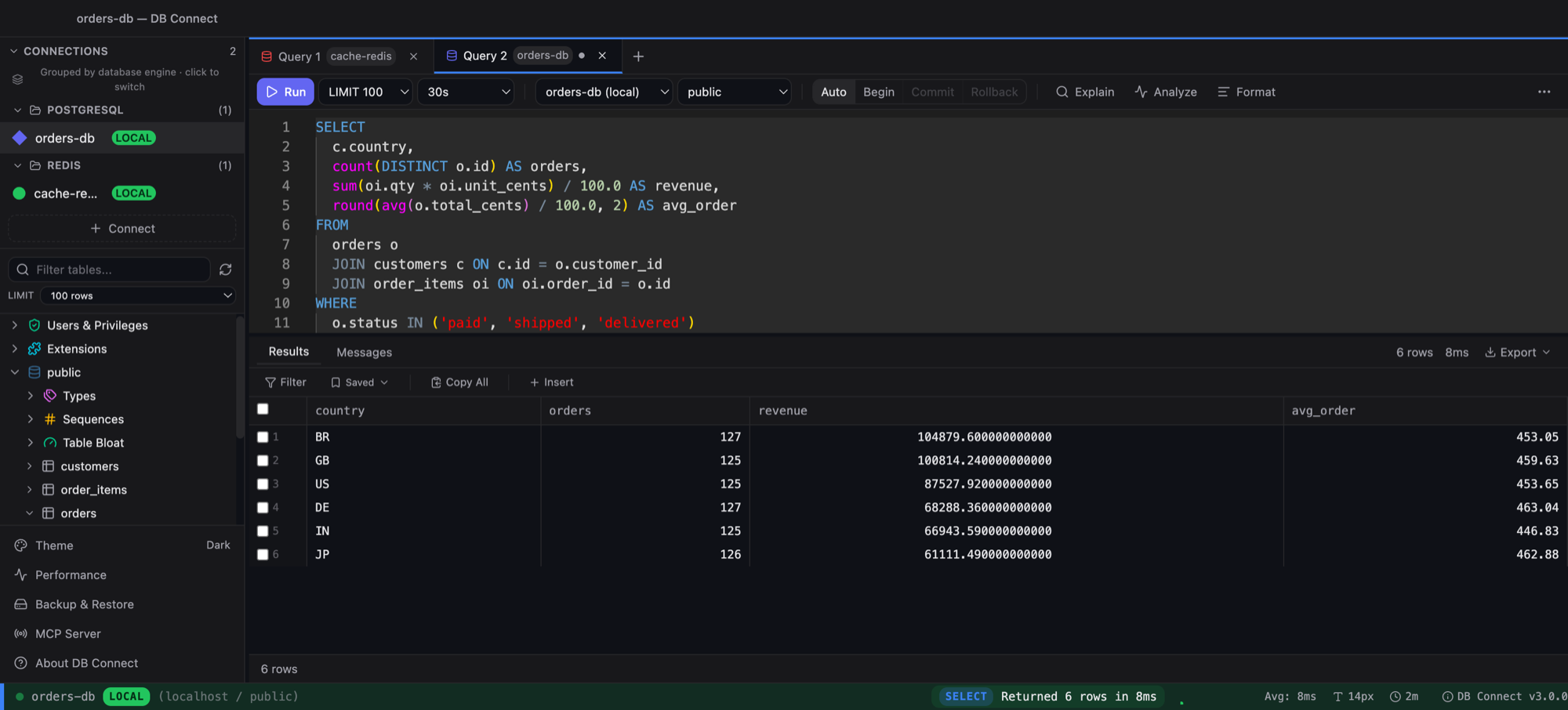
Alias-aware autocomplete, JOIN … ON suggestions from foreign keys, signature help, visual EXPLAIN and EXPLAIN ANALYZE. Results grid with inline edit, find, charts, PII masking and streaming export.
Multiple databases per server, LISTEN/NOTIFY panel, COPY import, PgBouncer mode, RDS IAM authentication and custom SSL certificates.
MySQL/MariaDB, Redshift (provisioned and serverless), DynamoDB, Redis, MongoDB and Elasticsearch/OpenSearch in the same window — plus an optional Claude assistant and local MCP server.
you administer PostgreSQL servers end to end — roles, tablespaces, maintenance, pgAgent jobs, the debugger — want one shared web deployment for a team, or need Linux and open source.
you mostly write and tune queries, want a fast native desktop app, want dry-run previews and production gates on writes, or also work with MySQL, Redshift, DynamoDB, Redis or MongoDB.
See also: DB Connect as a PostgreSQL client · DB Connect vs DBeaver
If you mainly query and tune PostgreSQL, DB Connect is a free native desktop client of about 35 MB that opens straight to your connections, without a local web server behind the UI. pgAdmin remains the more complete administration tool.
Yes. pgAdmin 4 and DB Connect are both free on macOS. DB Connect ships as a universal binary for Apple Silicon and Intel, and also runs on Windows.
Yes. Add them as PostgreSQL connections; RDS IAM authentication and custom SSL certificates are supported, and the performance pane works against them.
Yes. When the pg_stat_statements extension is installed, the PostgreSQL performance pane lists the top statements, alongside activity, blocking, an index advisor and vacuum/bloat views.
Yes, it runs pg_dump and restore from the app. For scheduled jobs and maintenance tasks such as REINDEX, pgAdmin with pgAgent is the better fit.
Yes. Redshift provisioned and serverless are supported, with SYS views, WLM, load errors, a COPY/UNLOAD builder and a DISTSTYLE/SORTKEY designer. pgAdmin does not target Redshift.
Free for personal and commercial use. No account required.
macOS 11.0 (Big Sur) or later
Intel & Apple Silicon
xattr -cr /Applications/DBConnect.app
Prefer Homebrew? brew install --cask shubhesh07/db-connect/db-connect