A Redshift client built for warehouse work
IAM authentication, SSH tunnels, plans that flag DS_BCAST_INNER and DS_DIST_BOTH, queue-vs-execution time for every slow query, and one-click UNLOAD/COPY statements.
IAM authentication
Temporary credentials via GetClusterCredentials (provisioned) or GetCredentials (serverless) using your AWS profile, SSO or default chain. Password auth still works.
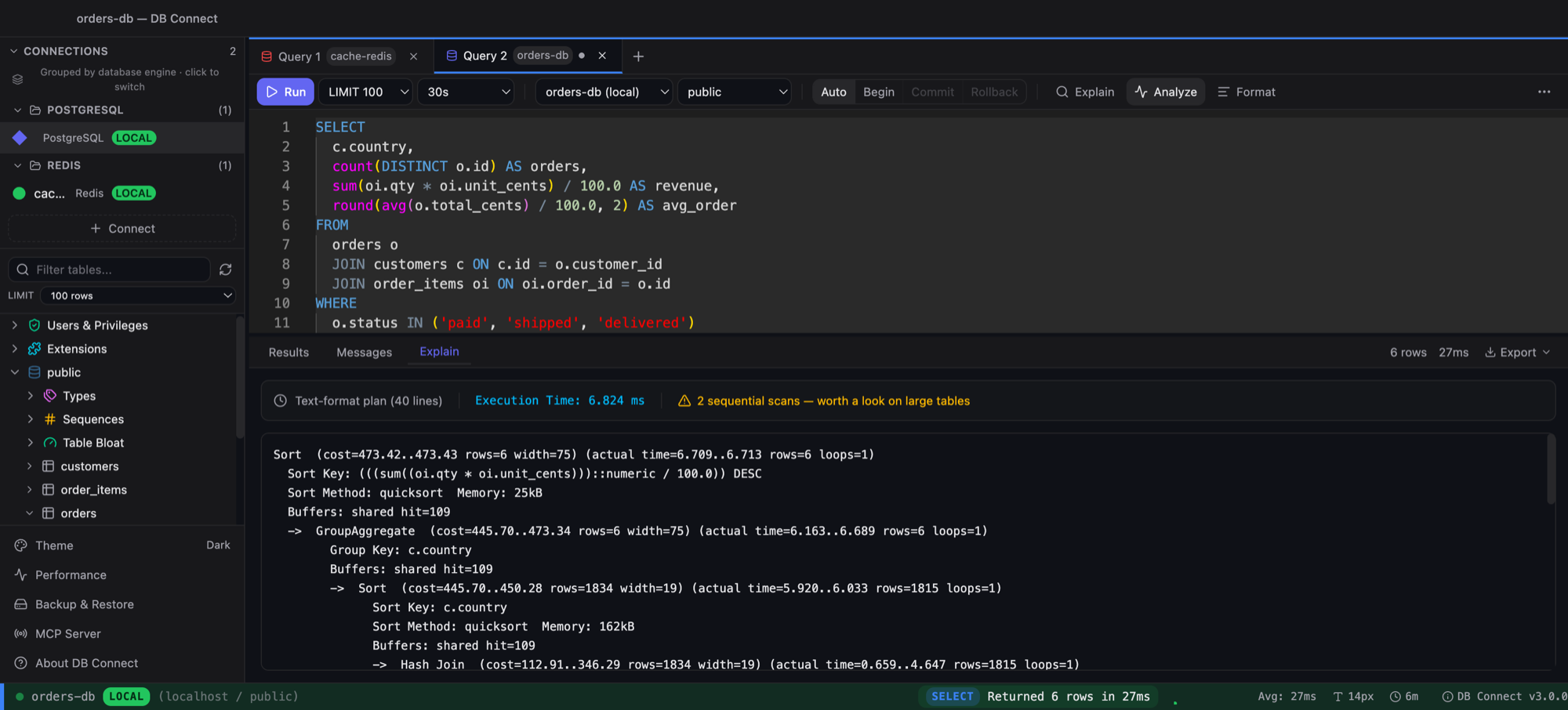
Structured EXPLAIN
Rows, cost and distribution strategy parsed from the plan; DS_BCAST_INNER, DS_DIST_BOTH, nested loops and million-row sequential scans flagged.
WLM visibility
Slow queries show queue time vs execution time and service class — the first thing to check when a query is slow.
UNLOAD / COPY generators
Pick a table, S3 path, IAM role and format; get a correct statement as an editor draft.
Table health in the tree
Unsorted % and skew badges per table, VACUUM / ANALYZE suggestions, Spectrum external schemas browsable.
Redshift-aware editor
DISTKEY, SORTKEY, ENCODE, LISTAGG, APPROXIMATE COUNT(DISTINCT), DATE_TRUNC, NVL and friends in autocomplete — no MySQL noise.
Frequently asked
Does it support Redshift Serverless?
Yes — IAM auth uses GetCredentials with the workgroup name; password auth works as well.
Does schema selection actually apply?
Yes. search_path is pinned to the same connection as the statement, so unqualified table names resolve to the schema you picked.
Can I export results?
CSV, JSON, Excel, or Redshift-correct INSERT statements. For bulk moves use the UNLOAD generator.
Is there transaction support?
Statements auto-commit; the editor tells you explicitly instead of silently ignoring BEGIN/COMMIT.
Free. Native. No account.
macOS (Intel + Apple Silicon) and Windows. Also available via brew install --cask shubhesh07/db-connect/db-connect.